What good is a security camera if you can’t see what it records? I’ve seen countless Blink customers report frustrating “milky,” “foggy,” or “pixelated” images. Whether your problem happens only at night or persists 24/7, a distorted image defeats the purpose of your home security.
Based on my years of testing Blink hardware, the most common reasons for a blurry image are condensation, IR reflection, bandwidth issues, or simple physical obstructions. While it is possible for a unit to be defective, 95% of the time, the fix is something you can handle in minutes.
At-a-Glance Diagnostic Table
Use this table to quickly identify your issue based on the symptoms you see in the Blink app.
| Visual Symptom | Likely Cause | Primary Models Affected | Fix Difficulty |
| White “Cloud” at Night | IR Reflection/Light Bounce | All Models (Near Walls) | Easy |
| Morning Blur (clears by noon) | External Condensation | Outdoor, XT2 | Easy |
| Pixelated/Grainy Video | Weak Wi-Fi/Sync Module Signal | All Models | Medium |
| Permanent Haze/Smudges | Dirty Lens or Plastic Film | All Models | Very Easy |
| Foreground Blurry, Background Sharp | Out of Focus Lens | Older XT, XT2 | Hard |
1. Condensation and Internal Moisture
If your Blink Outdoor or XT2 looks like it’s peering through a thick fog, especially in the morning, moisture is the culprit.
- External Fog: Temperature changes cause dew to form on the lens. If it clears up by mid-morning, it’s external. Expert Tip: Apply a tiny amount of automotive anti-fog solution (like Rain-X) to the outer lens to keep water droplets from clinging.
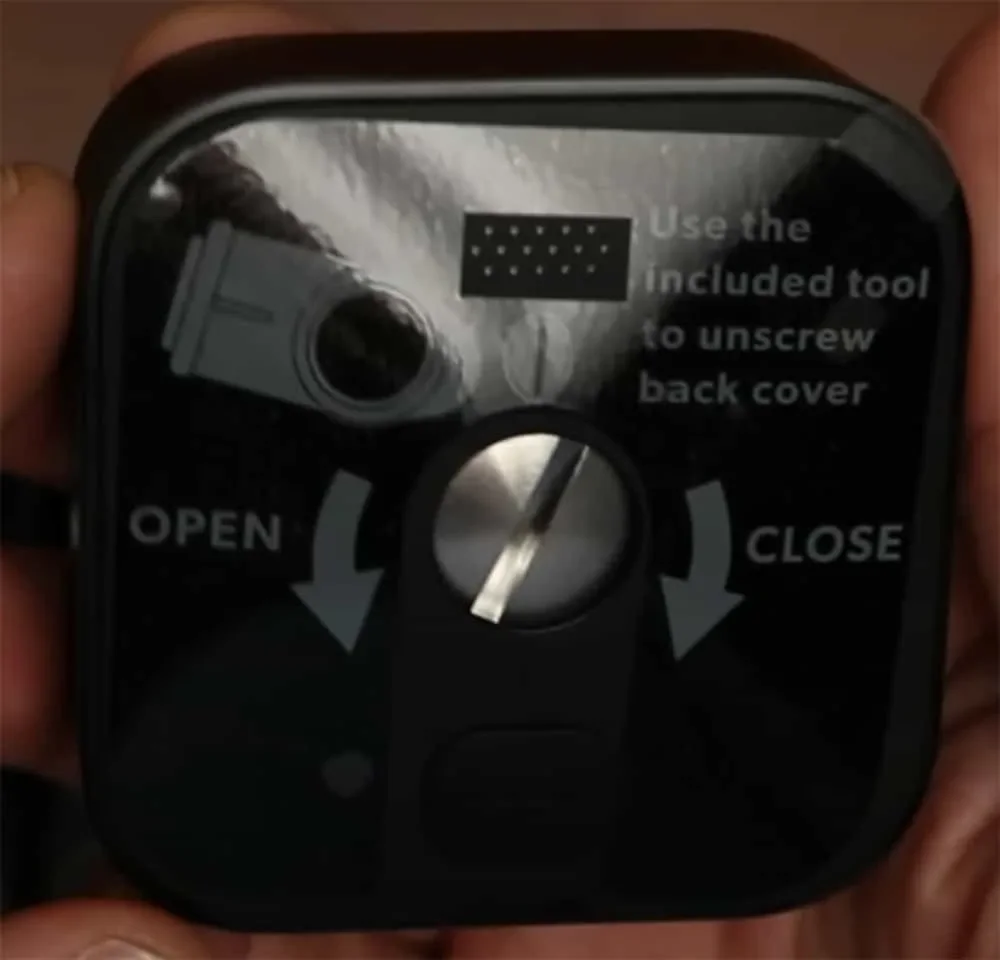
- Internal Moisture: If the blur is inside the lens, your weather seal is likely compromised. Ensure the back battery cover is fastened tightly. For the newer Outdoor models, use the included tool to ensure the screw is fully seated.
2. Nighttime “White-Out”: IR Reflection
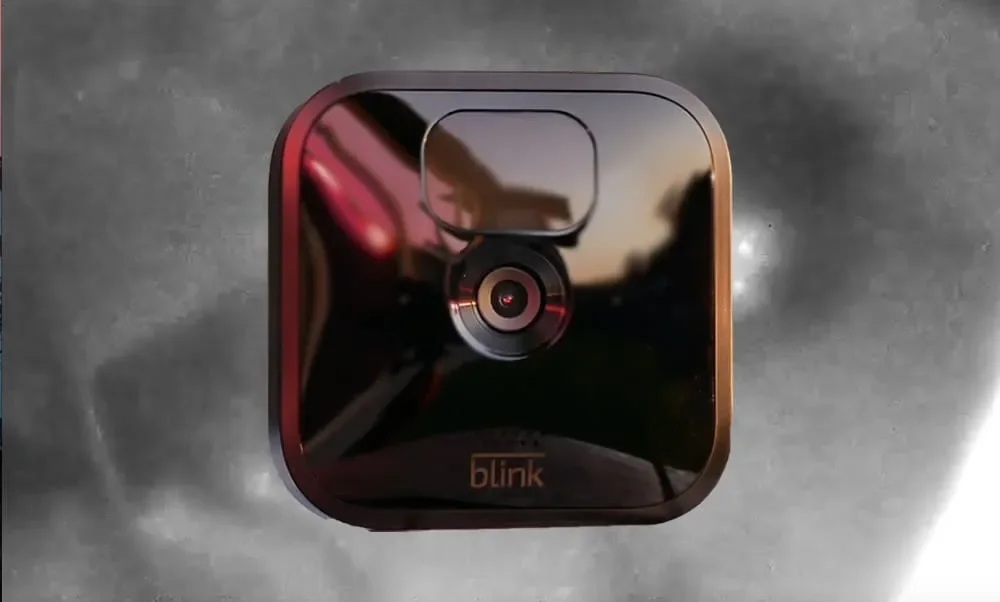
If your daytime video is perfect but your night video looks like a white “halo” or “fog,” your camera is likely blinding itself.
Blink cameras emit Infrared (IR) light to see in the dark.1 If the camera is placed too close to a white wall, a soffit, or sitting on a flat surface like a table, the IR light bounces off that surface and reflects back into the lens.2
- The Fix: Tilt the camera slightly away from nearby surfaces. Even a half-inch adjustment can move the IR reflection out of the frame and restore your “vision.”
3. The Forgotten Obstacle: Protective Plastic
It sounds too simple, but it happens to the best of us. Blink cameras ship with a microscopic, perfectly fitted plastic film over the lens to prevent scratches.
- The Problem: Over time, this film begins to yellow, bubble, or collect dust underneath.
- The Fix: Inspect the lens closely with a flashlight. If you see a tiny tab or a seam, peel it off. Your “blurry” camera might just be wearing a mask.
4. Digital Blur: Signal vs. Bitrate
Sometimes “blur” isn’t an optical problem; it’s a data problem. If the connection between your camera and the Sync Module (or your Router) is weak, the Blink system reduces the bitrate to prevent the stream from dropping entirely. This results in “pixelated” or “grainy” video that looks blurry.
- The Fix: Check the signal strength in the Blink app. If it’s low, move your Sync Module to a central location or consider a Wi-Fi extender.
5. Dirty Lens and Environmental Buildup
Outdoor cameras are magnets for pollen, spider webs, and dust. Even a single greasy fingerprint from when you changed the batteries can ruin a 1080p image.
- The Fix: Use a microfiber cloth to clean the lens. Avoid using paper towels or rough fabrics, as these can create microscopic scratches that permanently “cloud” the lens over time.
6. Manual Focusing (For Legacy XT/XT2 Models)
On older generations, the lens was held by a bead of glue. Years of extreme heat and cold can cause the glue to fail, allowing the lens to rotate slightly and lose focus.
- The Fix: If your warranty is expired, you can use needle-nose pliers to very gently rotate the outer plastic lens ring while watching the Live View on your phone. This is a “last resort” fix, as it can compromise the camera’s waterproof seal.
Related Questions
Why is my Blink camera dark at night?
Go to Camera Settings in the app.
Navigate to Video and Photo.
Set IR Intensity to Medium or High.
Ensure Night Vision is set to “Auto.”
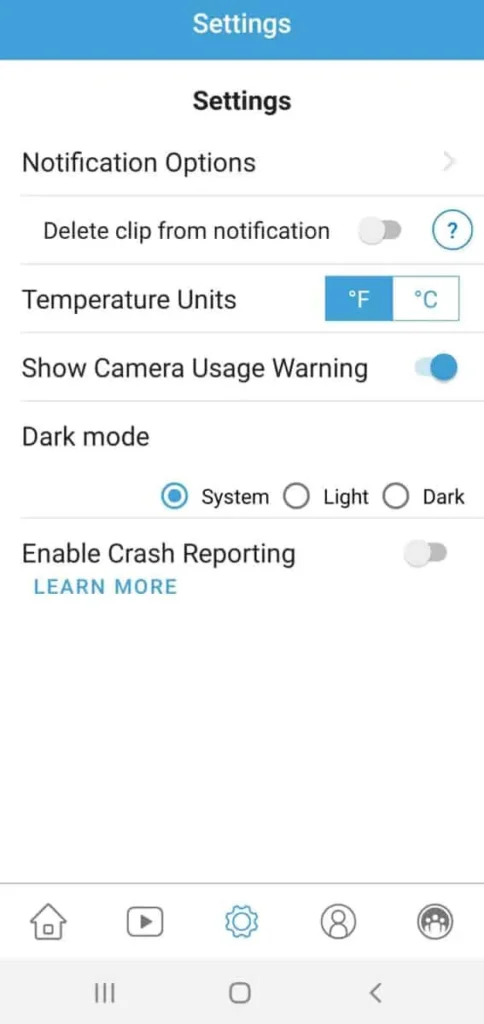
What is “Dark Mode” in the Blink app?
When should I contact support for a replacement?
The Takeaway: Your security depends on clarity. Start with the easiest fix—the microfiber cloth and the plastic film—and work your way through signal and positioning. Ten minutes of troubleshooting can save you the cost of a new camera!

Jason Miller’s expertise in air purification stems from a personal mission to alleviate his son’s allergies, which evolved into a deep passion for air quality science. He combines a parent’s perspective with an engineer’s rigor, using professional-grade tools to conduct data-driven tests that separate marketing hype from genuine performance. Jason’s goal is to translate complex technical information into clear, trustworthy recommendations, empowering families to make informed decisions and create healthier living environments.